case study
Mulaya Redesign E-Commerce
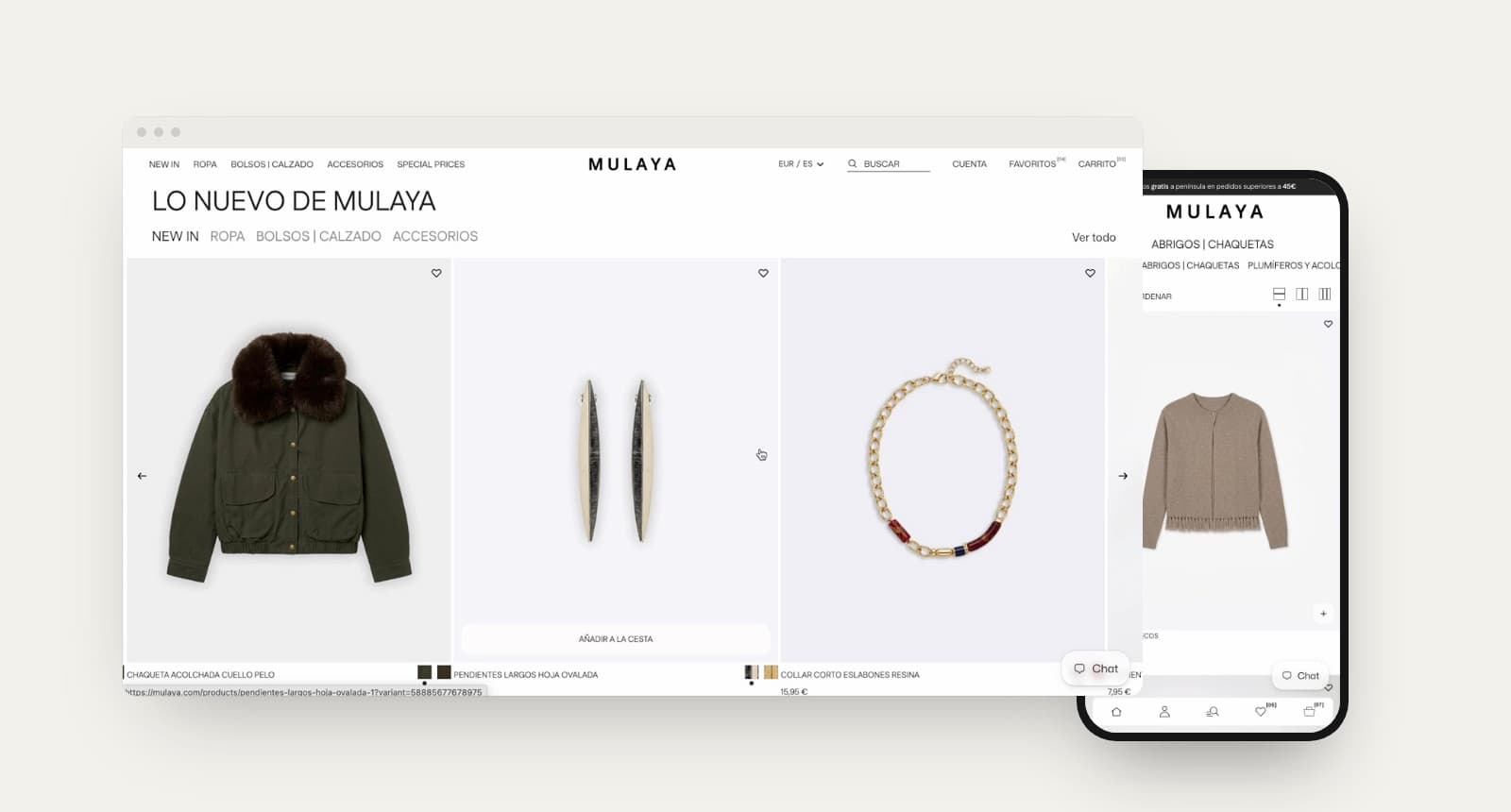
Mulaya is a Spanish fashion brand with its own stores. We moved its online shop to Shopify and redesigned the whole shopping experience around one business goal: helping customers build complete outfits, so every order is worth more.
- ecommerce B2C
- shopify
- fashion
challenge
From a catalogue to a store that styles you
The brand wanted its website to feel as curated as its shops: editorial, calm and easy to browse, but also more commercial. Products had to lead to other products, search had to be fast, and the team needed to change campaigns without touching code.
process
Benchmark, a functional proposal, then design
After the kick-off I benchmarked fashion stores the brand looks up to, focusing on how they handle carts, search and product pages. With that we wrote a functional proposal that defined every piece of the store, from the home modules and the product grid to filters, quick buy, the mini cart and the store locator, before designing it in Figma and building it with the development team.
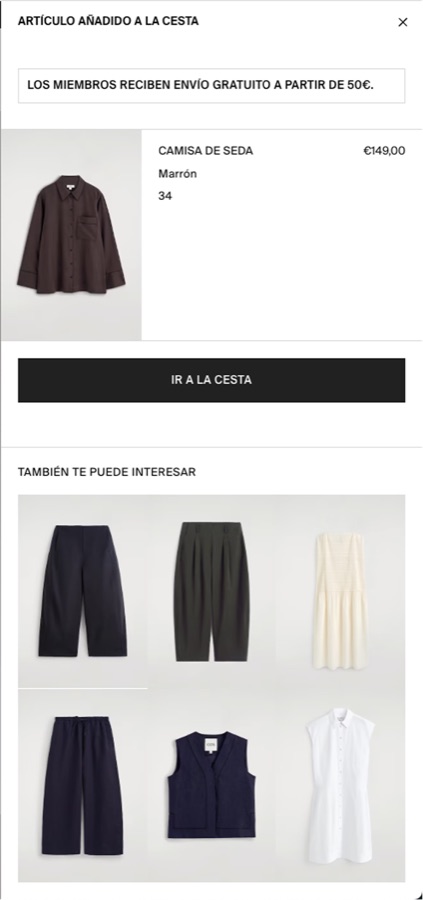
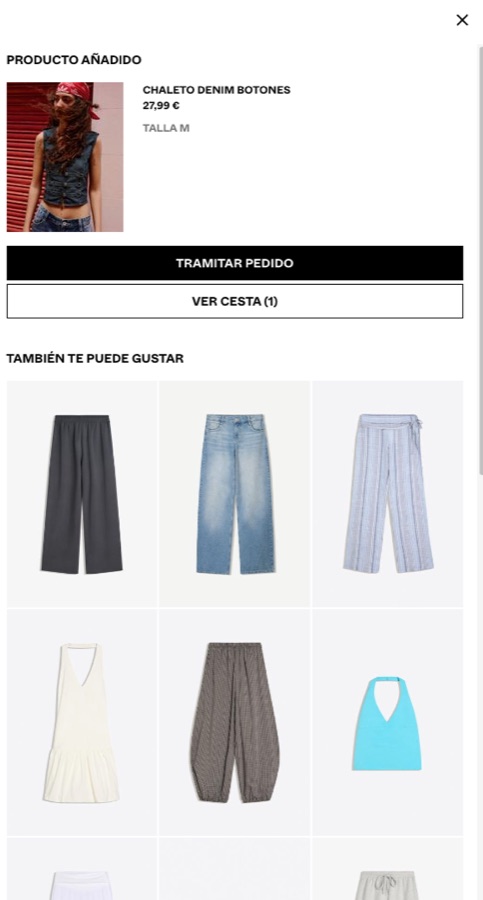
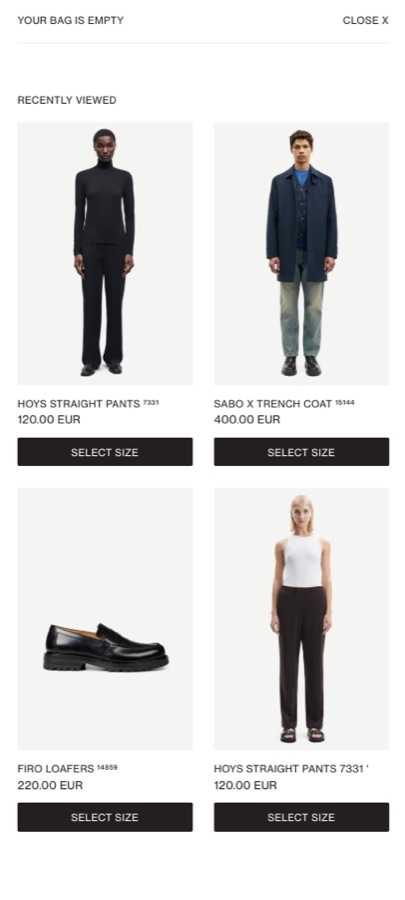
Benchmark: how other fashion stores recommend products in the cart
mini cart
Designing the mini cart, rule by rule
- 01
Never empty
If the cart is empty, opening it shows the collections the brand wants to push at that moment, so there is always a next step.
- 02
Complementary, not similar
When a product is added, the cart suggests something that completes it: a bottom for a top, the same print, or whatever rule the team sets. It can be added right there, and the suggestions keep coming until the customer stops adding.
- 03
Remove without losing it
Removing an item asks whether to move it to the wishlist instead, so a doubt doesn’t become a lost product.
- 04
Free shipping, in sight
A progress bar shows how much is left for free shipping, and the coupon field lives in the cart, before the checkout.
solution
Cross-selling built into every step
- 01
Complete the look
Every product page suggests the pieces that go with it, styled like the brand’s own lookbooks.
- 02
A mini cart that keeps selling
Adding something opens the cart with “you may also like” recommendations, without leaving the page.
- 03
Full-screen predictive search
Results appear while typing, with popular searches and recently viewed products.
- 04
A grid made for browsing
Fabric swatches instead of flat colour dots, sizes and a second photo on hover, and a 2, 3 or 4-column view.
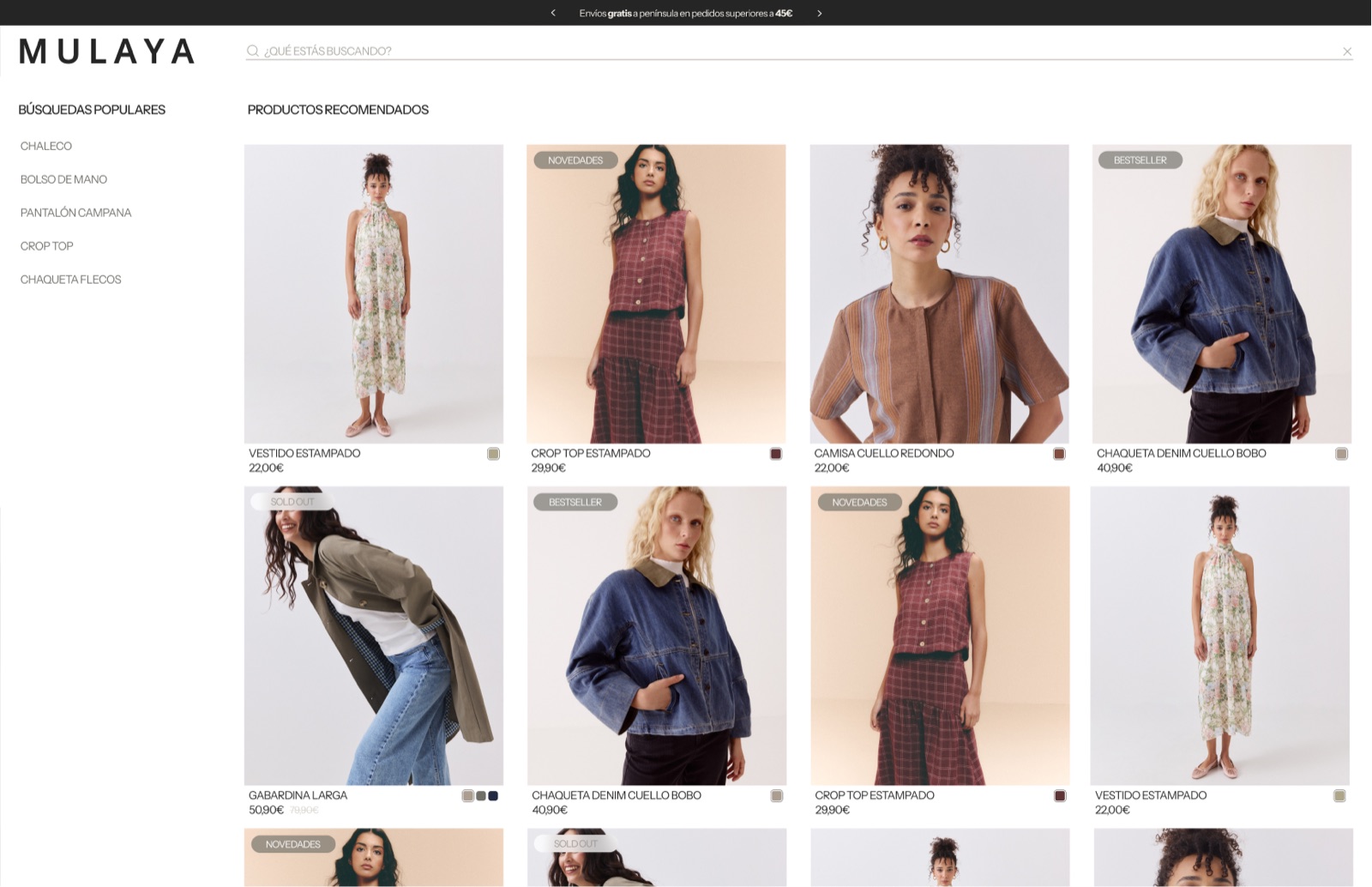
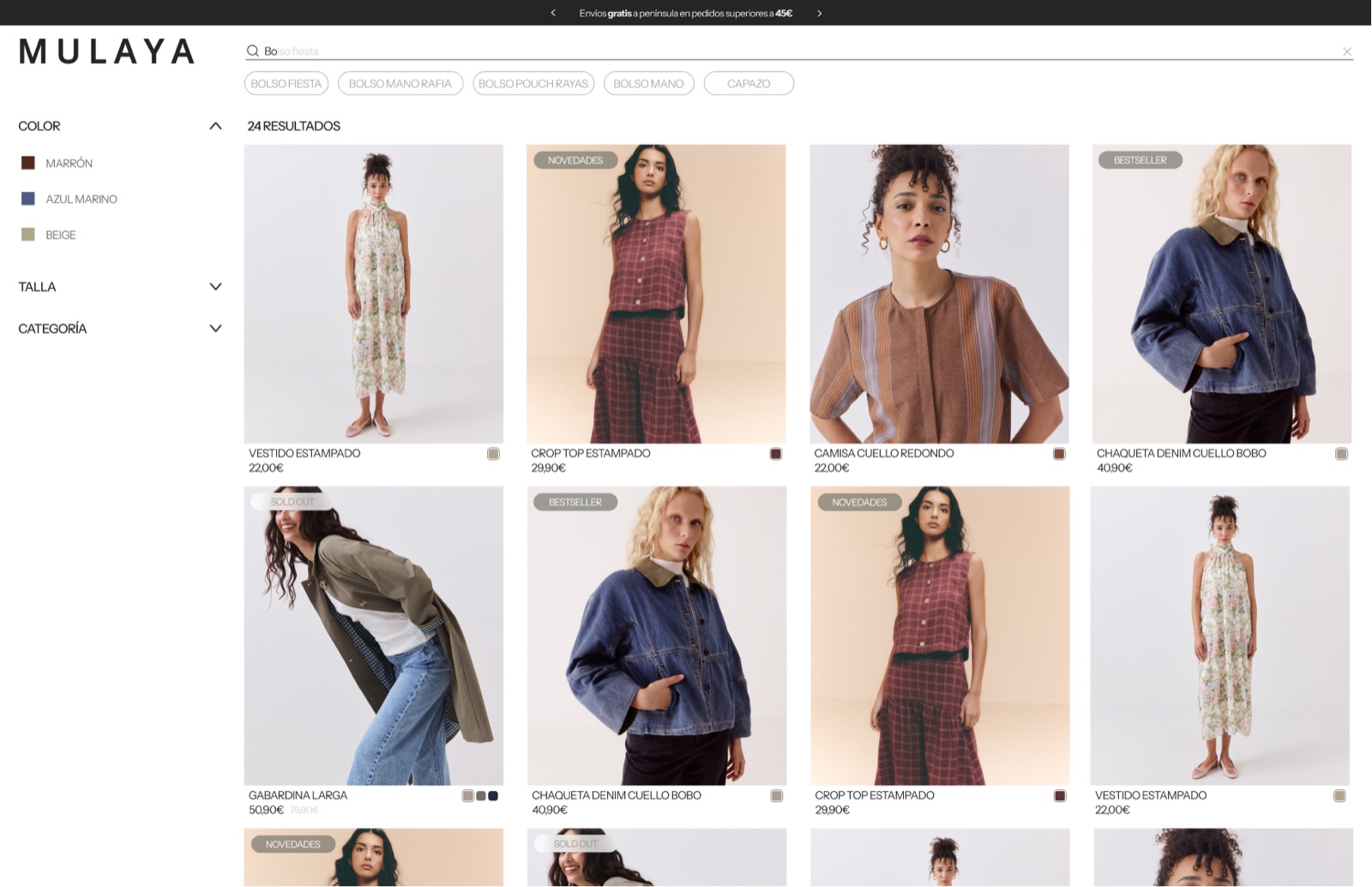
Search: suggestions first, then filters as soon as you type
mobile
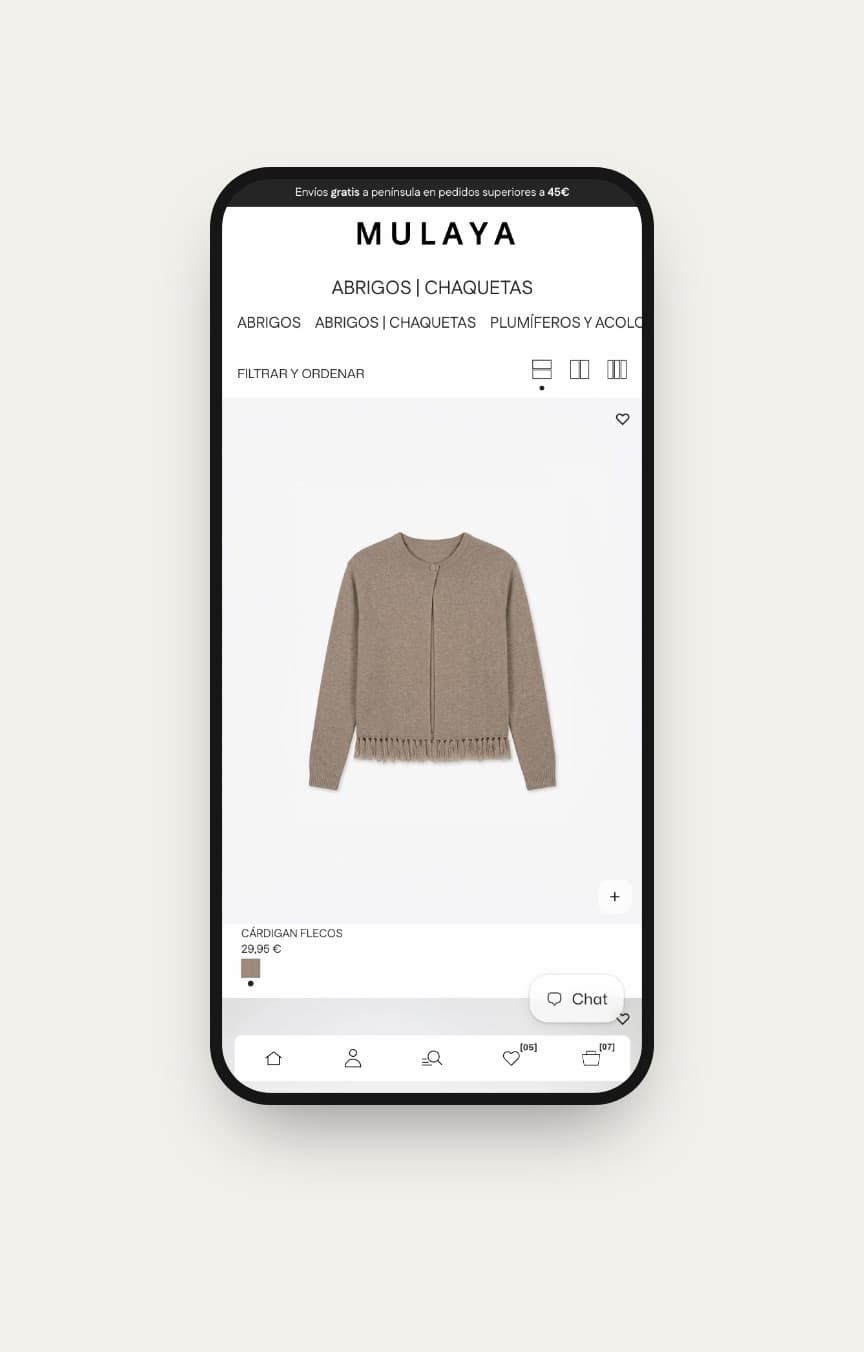
A bottom navigation bar, like an app
On mobile we created an app-like bottom navigation bar: home, account, search, wishlist and cart are always within reach of the thumb, on every page. Shopping from the phone stops feeling like a small website and starts feeling like using an app, with quick add, a full-screen menu and the same recommendations as on desktop.
imagery
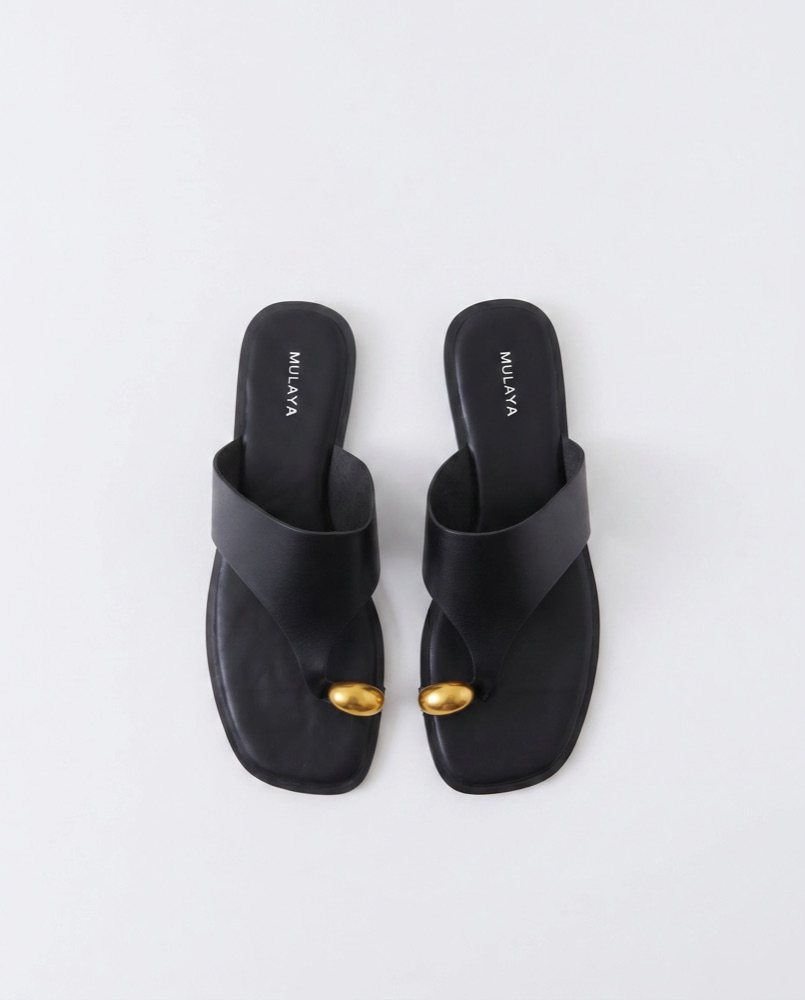
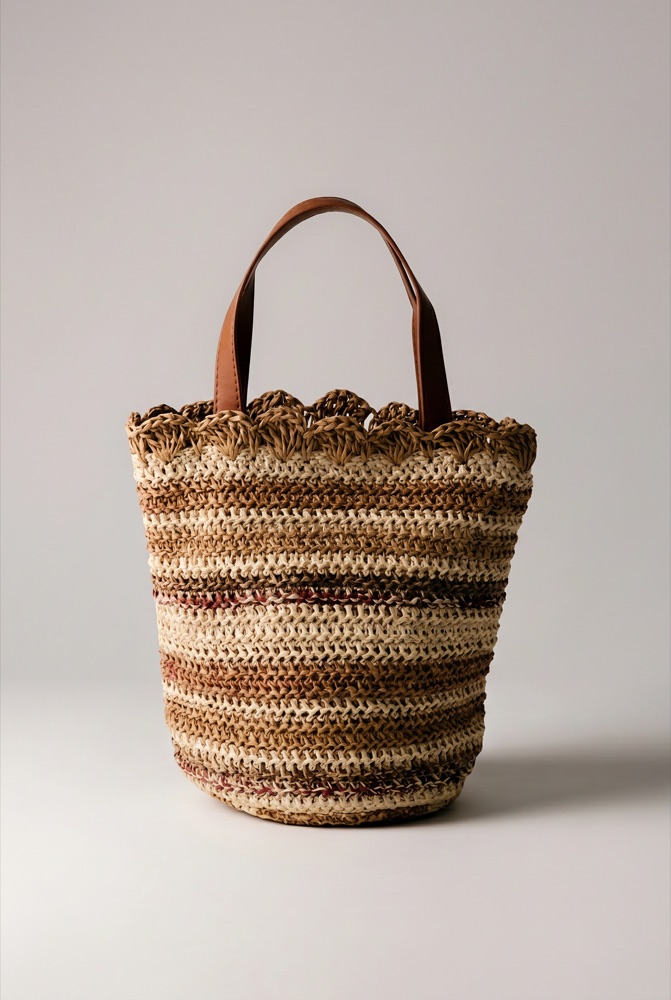
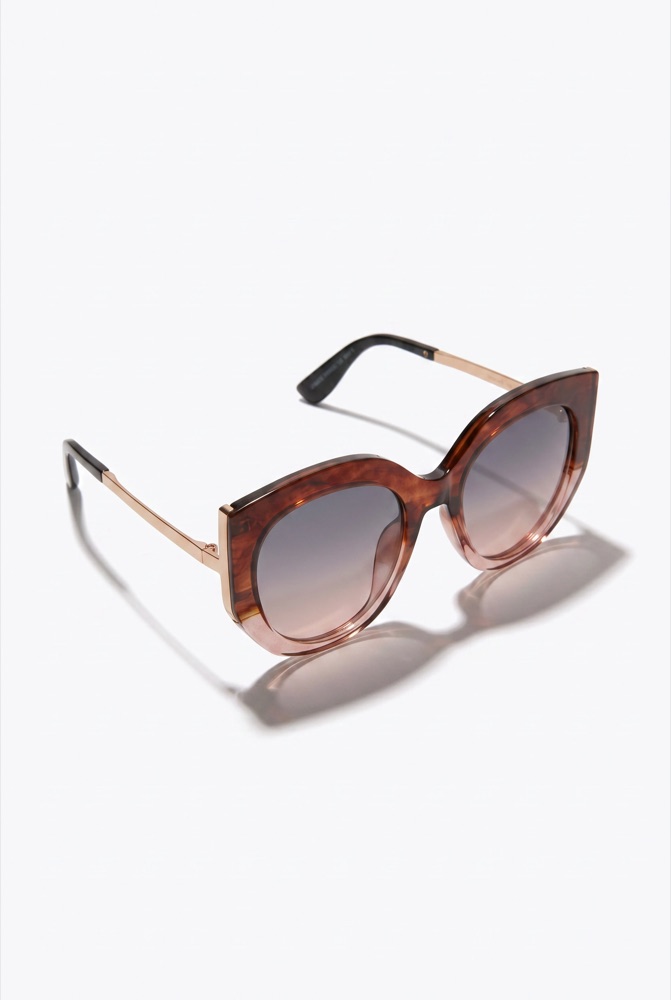
Category imagery generated with AI
To keep every entry point consistent, I generated and retouched the category images with AI, matching the light and styling of the brand’s photography.
outcome
Live on Shopify, and easy to keep fresh
The new store is live. Its home is built from reusable sections, so the team can launch a campaign, swap a banner or reorder collections on its own, while the design keeps the editorial feel the brand wanted.